Chairside Tools
Overview
Dental procedures can be difficult for patients to understand through verbal explanations alone. I created this collection of interactive 3D models for a dentist who wanted a clearer and more approachable way to show patients what happens during different treatments.
THE PROCESS
01
Creating the Models
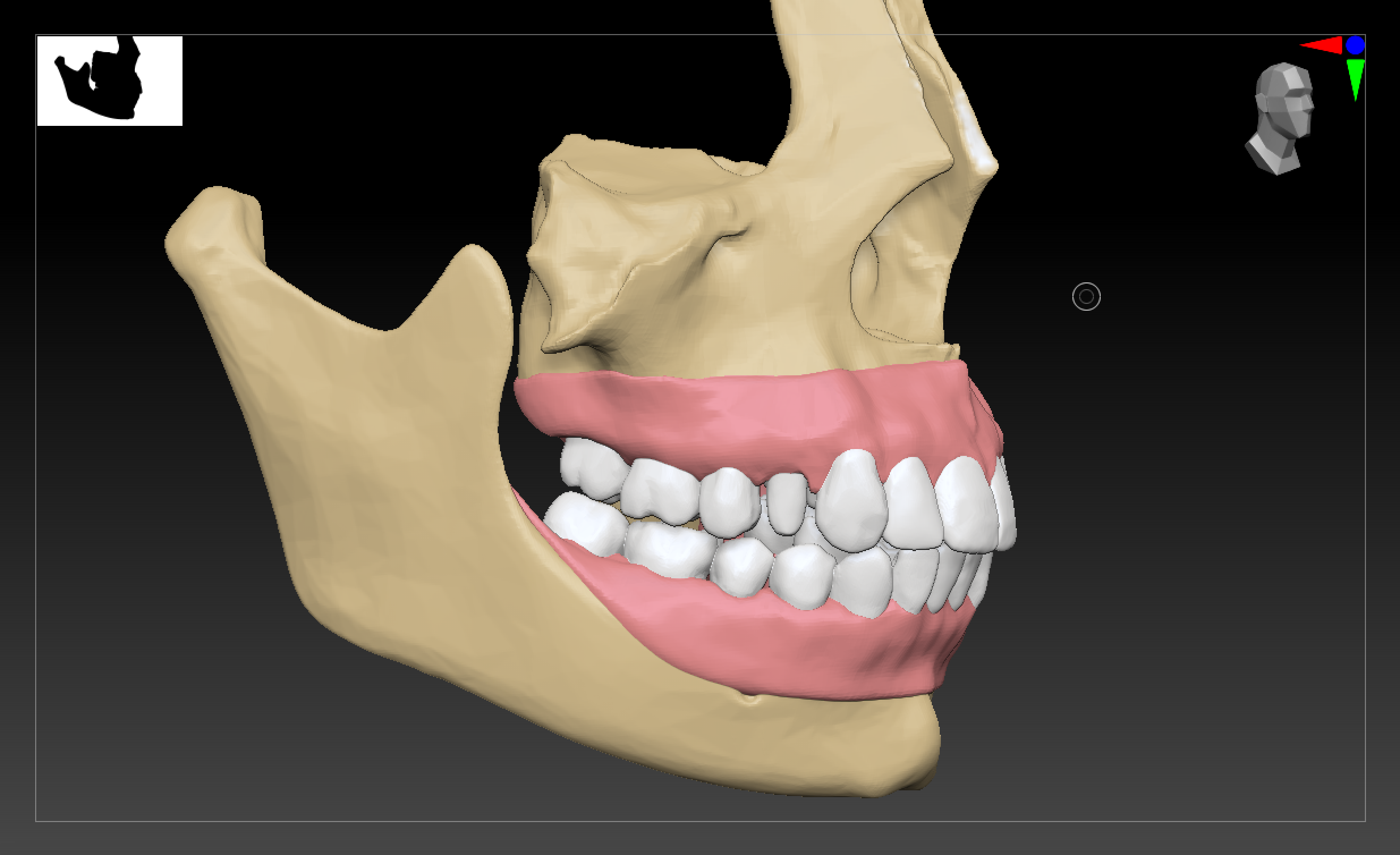
I began with a very rough sketch of what
I needed to model. The models needed to be anatomically accurate and detailed while remaining simple enough for patients without a medical or dental background to understand. I started with base anatomical models and used ZBrush to sculpt and refine the teeth for each procedure. I adjusted the anatomy and created the changes needed to demonstrate each stage of treatment clearly.
02
Adding Texture & Materials
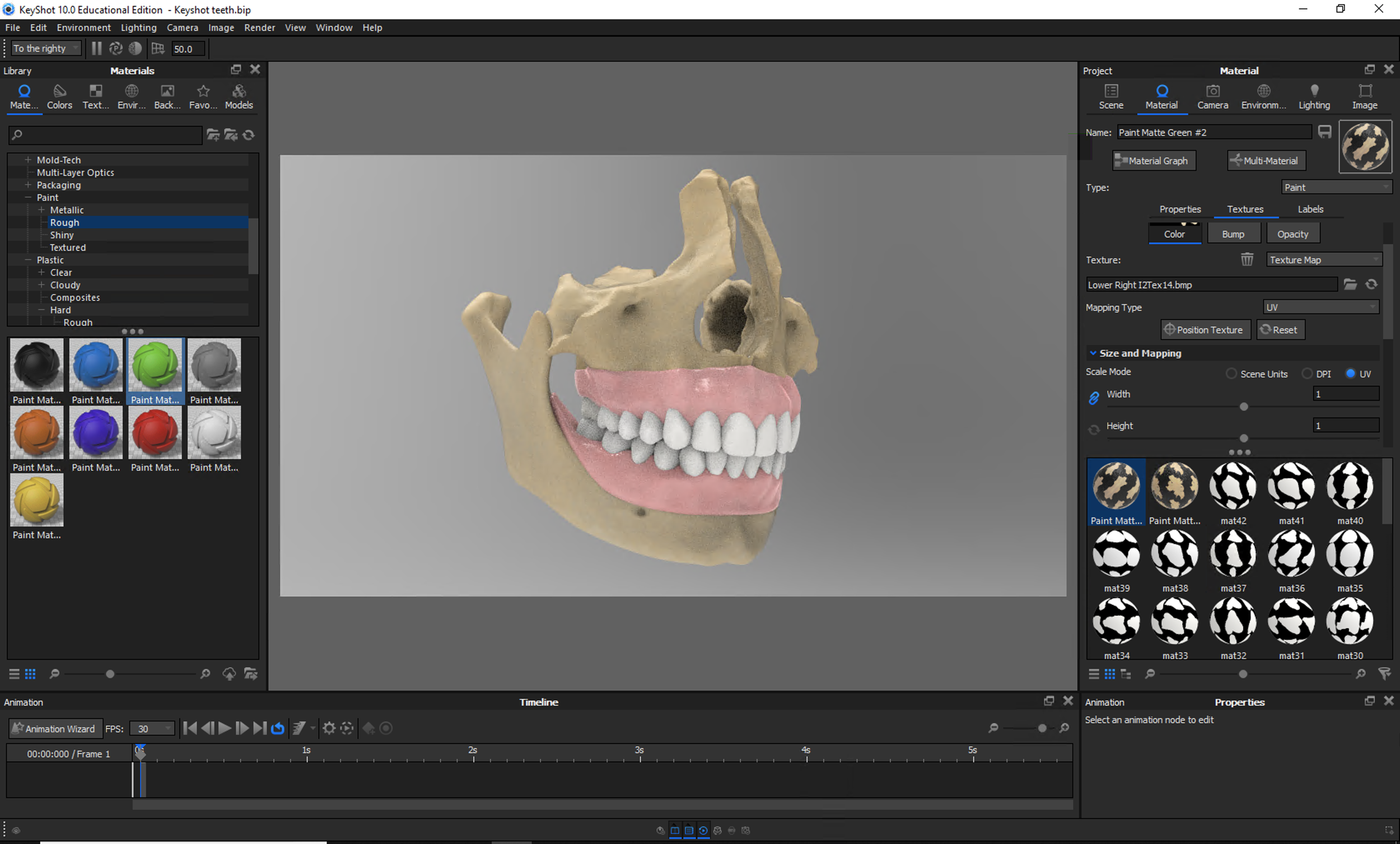
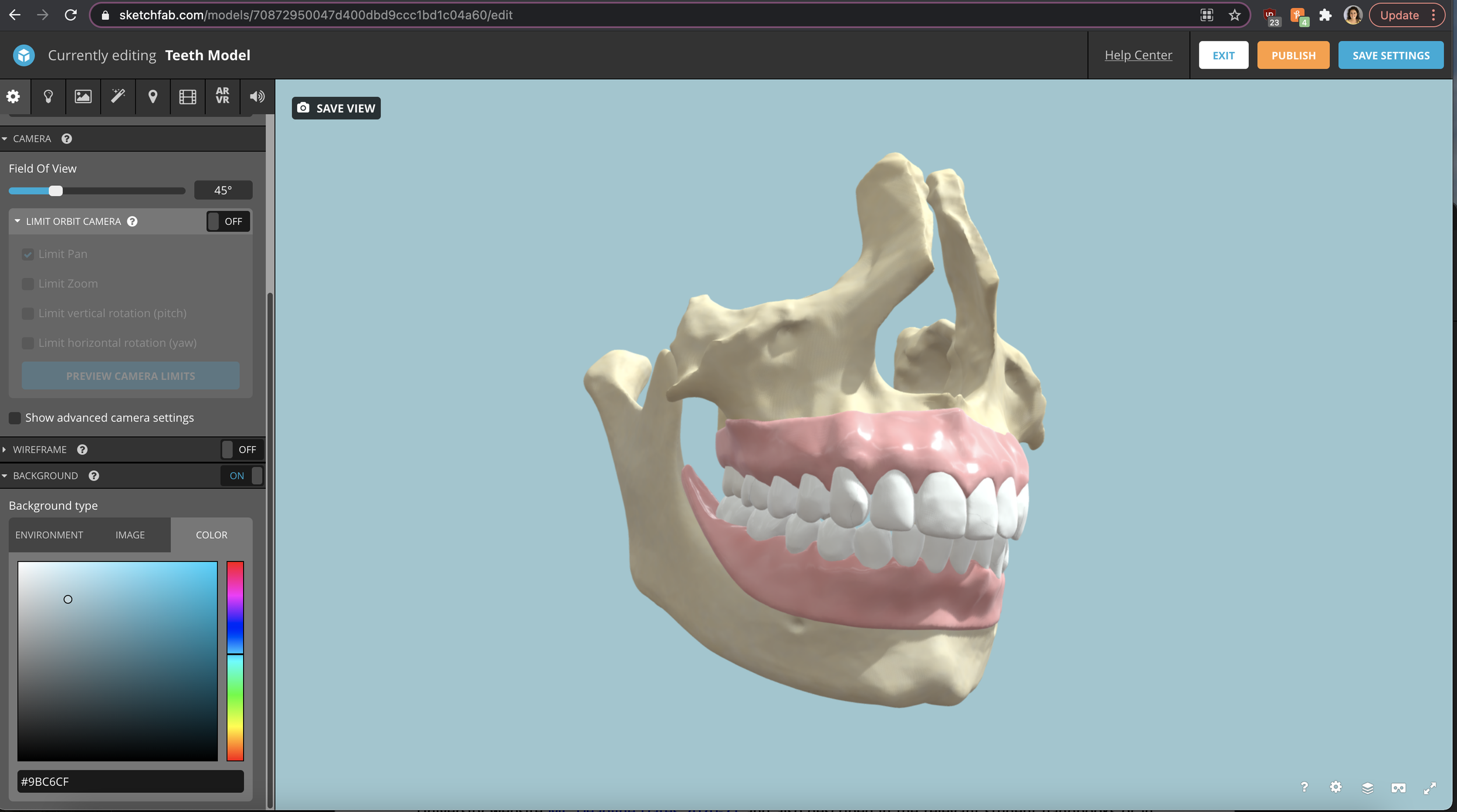
Once the models were complete, I painted the surface details to give the teeth and surrounding structures a natural appearance. I then brought the models into KeyShot, where I developed the lighting and materials before uploading them to Sketchfab. Sketchfab allowed me to host the interactive models and further refine the material properties to ensure they looked clear and realistic from every angle.
03
Building the Website
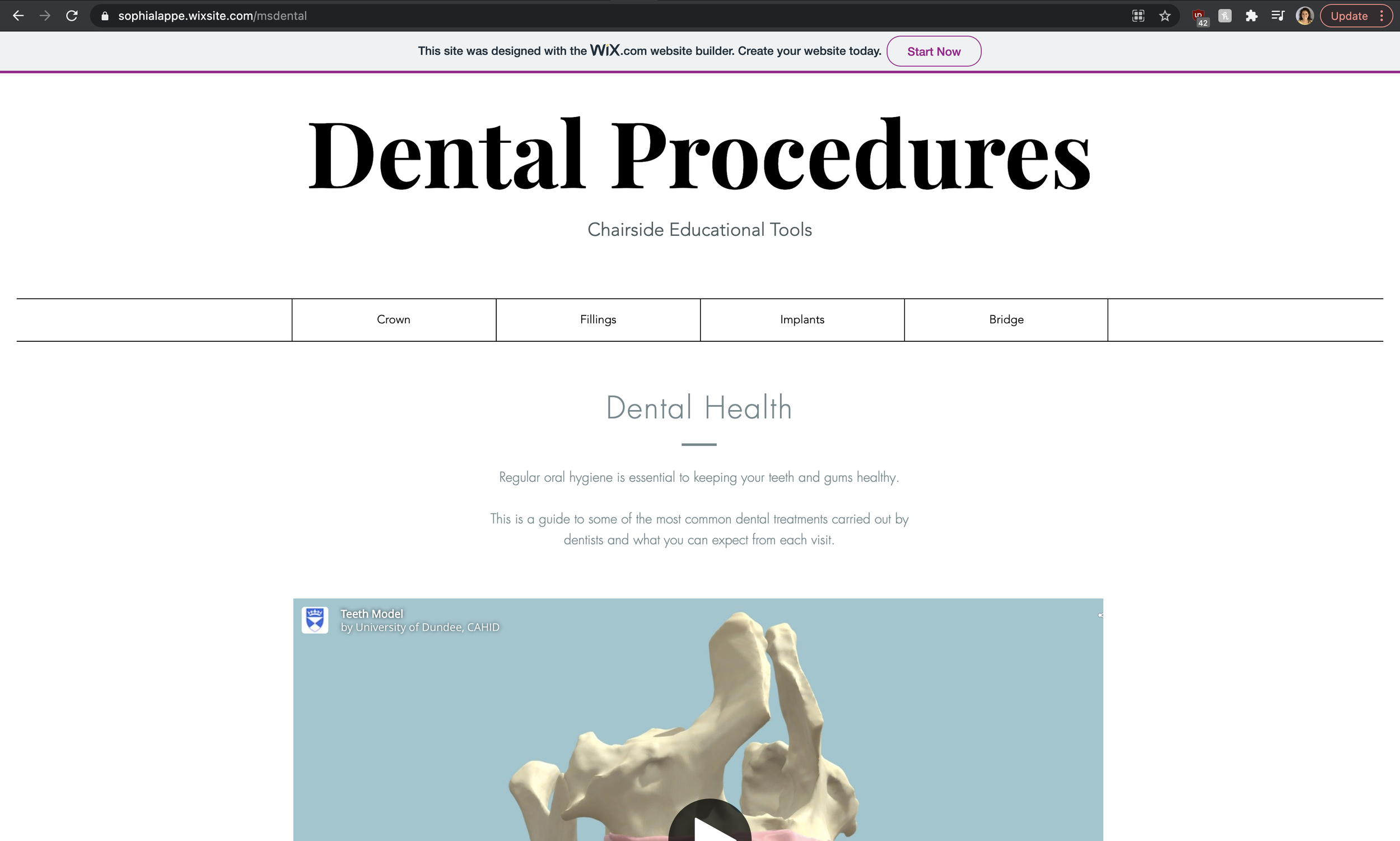
Finally, I designed and built a dedicated Wix website to organize and host the interactive models. This gave the dentist a convenient educational resource that could be used during appointments or shared directly with patients.
04
The Final Website
The completed models allow patients to rotate, examine, and explore each dental procedure from different angles. Take a look through the collection to see how interactive 3D visuals can make complex treatments easier to explain and understand.
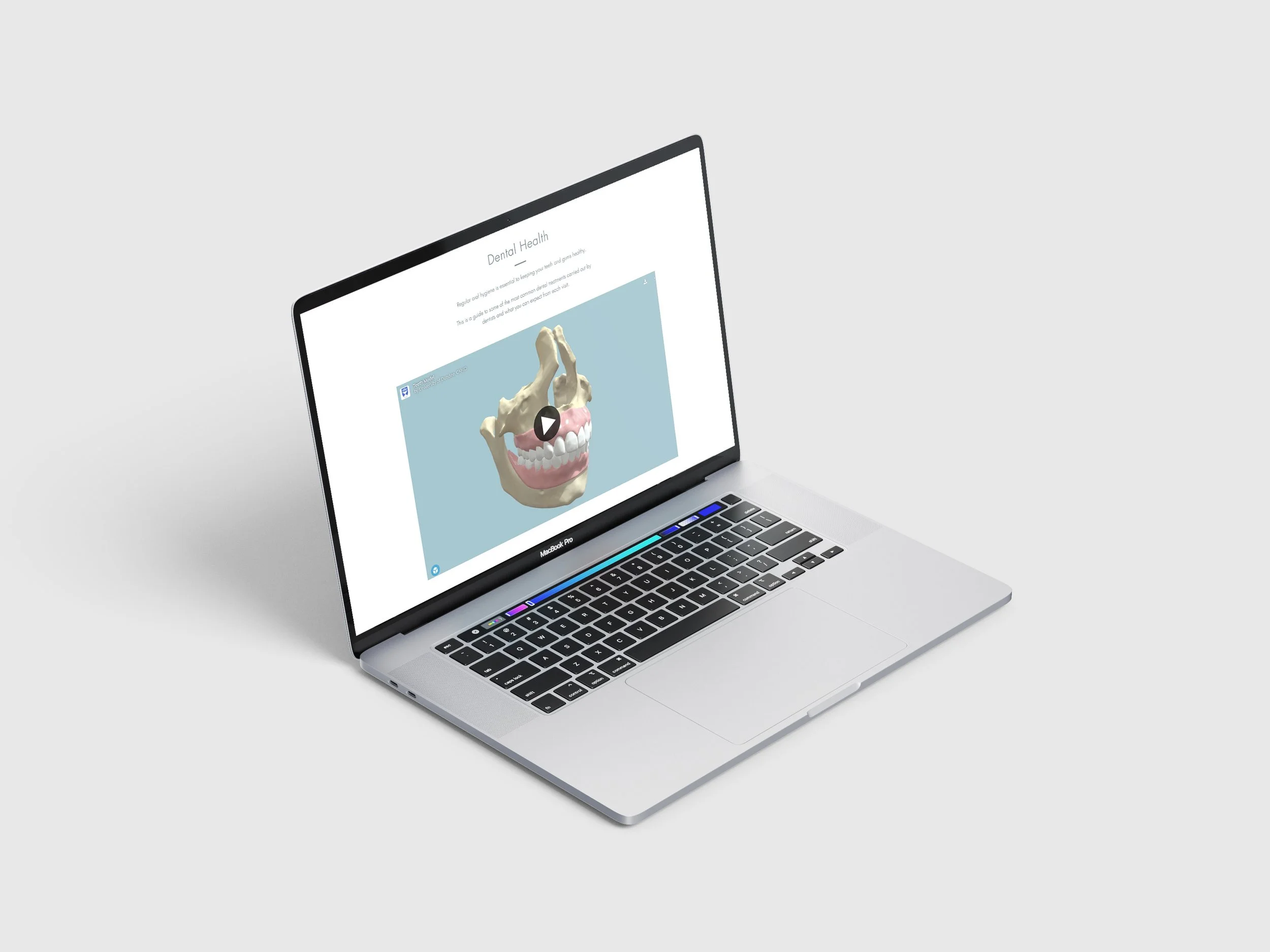
This is a comprehensive guide to some of the most common dental treatments carried out by dentists and what you can expect from each visit. Click the “Learn More” button to see the full resource.